JamfEmigre is a Jamf tool to migrate a single policy from one JSS to another. It allows you to edit the policy in order to resolve possible conflicts with the target server.
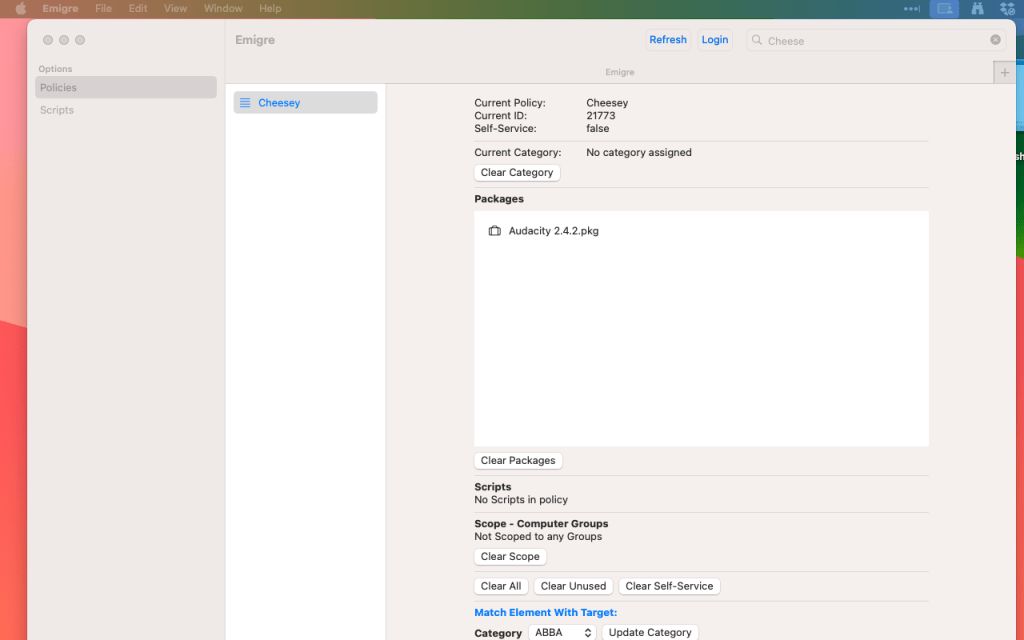
Exporting Jamf policies
Policies and Scripts (and most other objects in Jamf ) are stored as json/xml with a tree-like structure with a series of “nodes”.
These are subdivisions of the data, which helps to break it down into a logically organised structure, usually of related attributes that are grouped together.
In the following examples we are looking at an XML structure. XML nodes work in the following way. The name of the node is stated and then the attributes are listed, indented from the name. At the end of the node the node is “closed”.
<exampleNode> # nodes is opened – data starts here
<name>myNode</name>
<status>true</status>
</exampleNode> # node is closed – data is finished for this attribute.
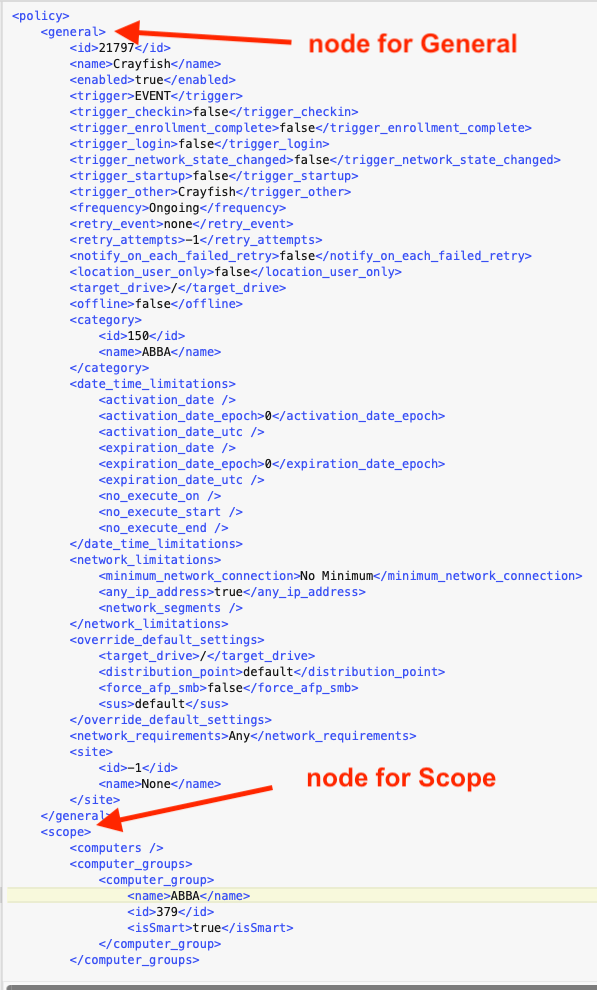
In the example extract below of a Jamf policy there is an overall structure called Policy (<Policy> and then 2 nodes visible for <general> and <scope>
In the General node there are attributes such as the policies name, its id and its triggers.
In the Scope node all details related to the policies’ scoping are stored.
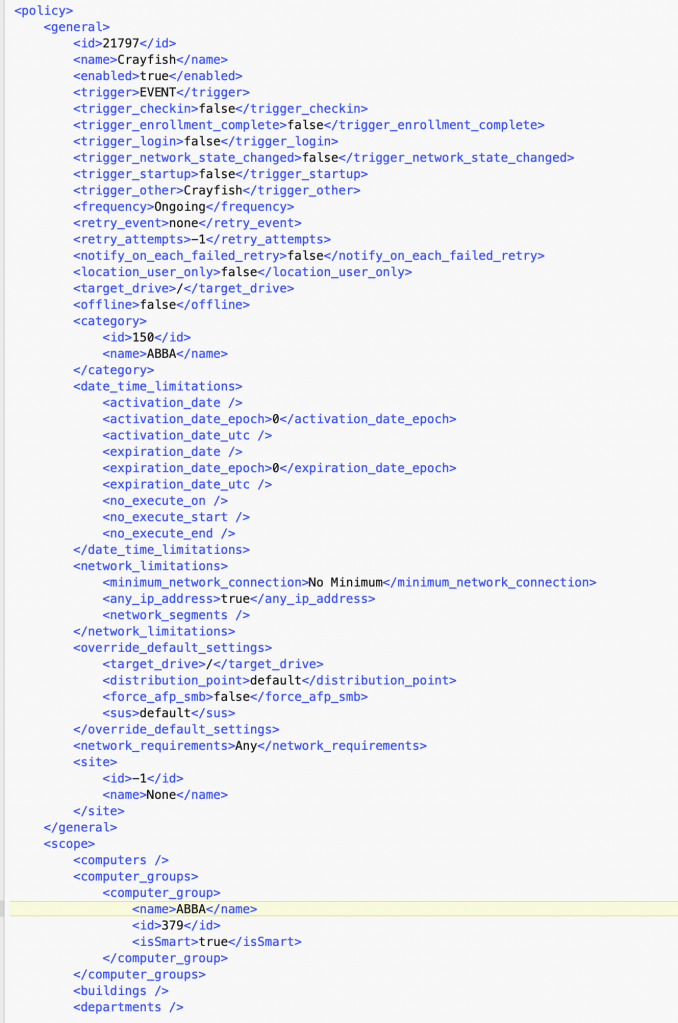
If we look at the entire policy object below we can see that there are many nodes covering all the data stored in a jamf policy.
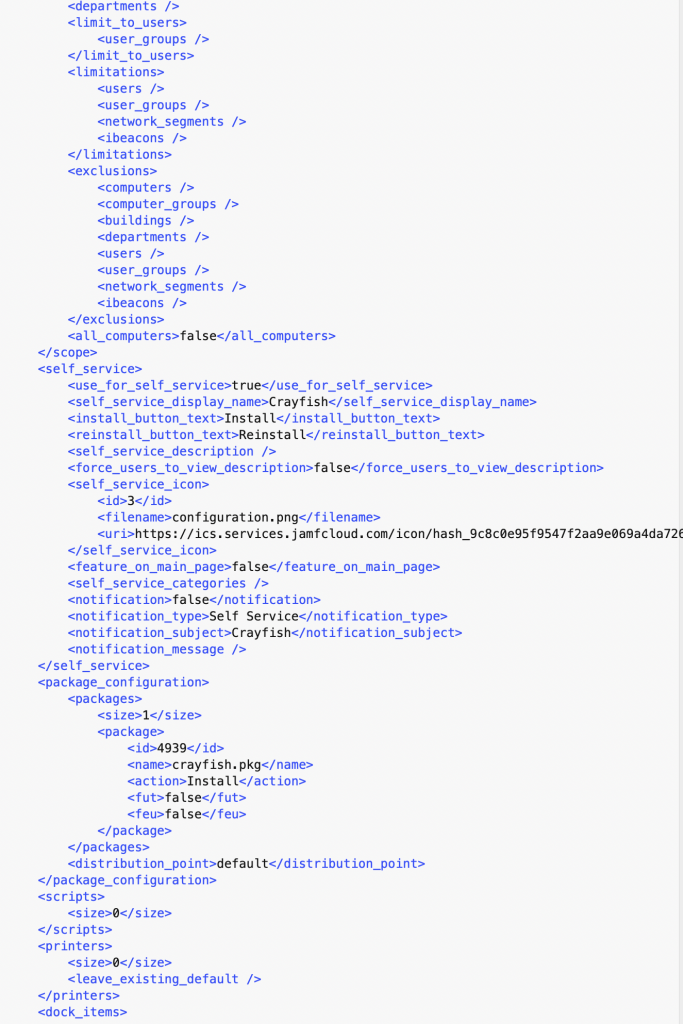
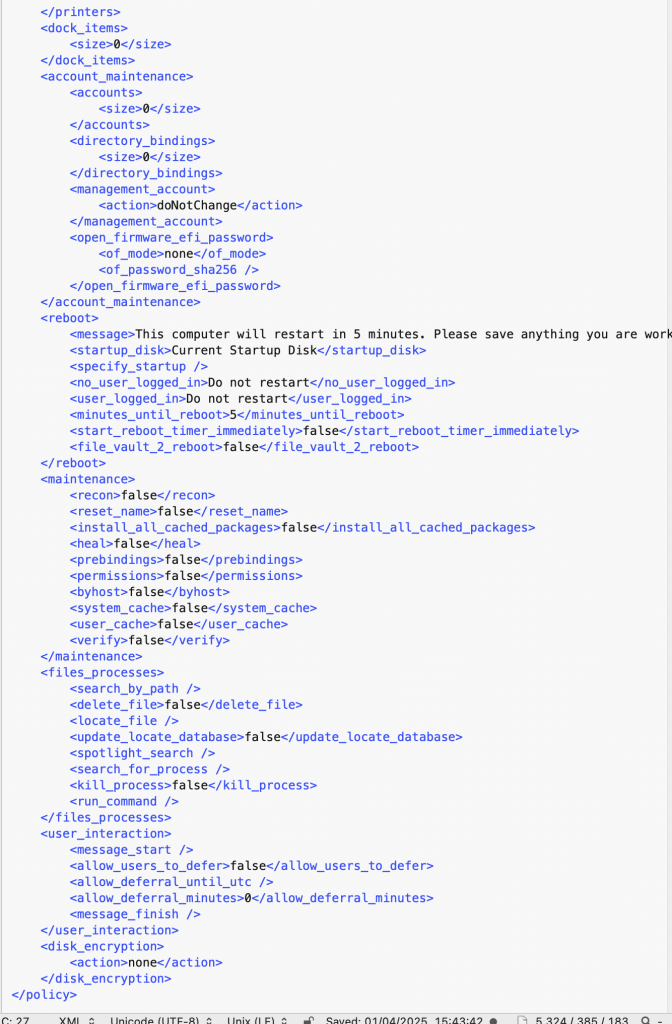
Each attribute exists with a “node” but they can also “nest’ nodes so for example the node for packages could contain individual nodes for multiple packages.
Below is an extract from another policy showing the node for Scripts, which contains 2 individual scripts, each a complete node in itself.
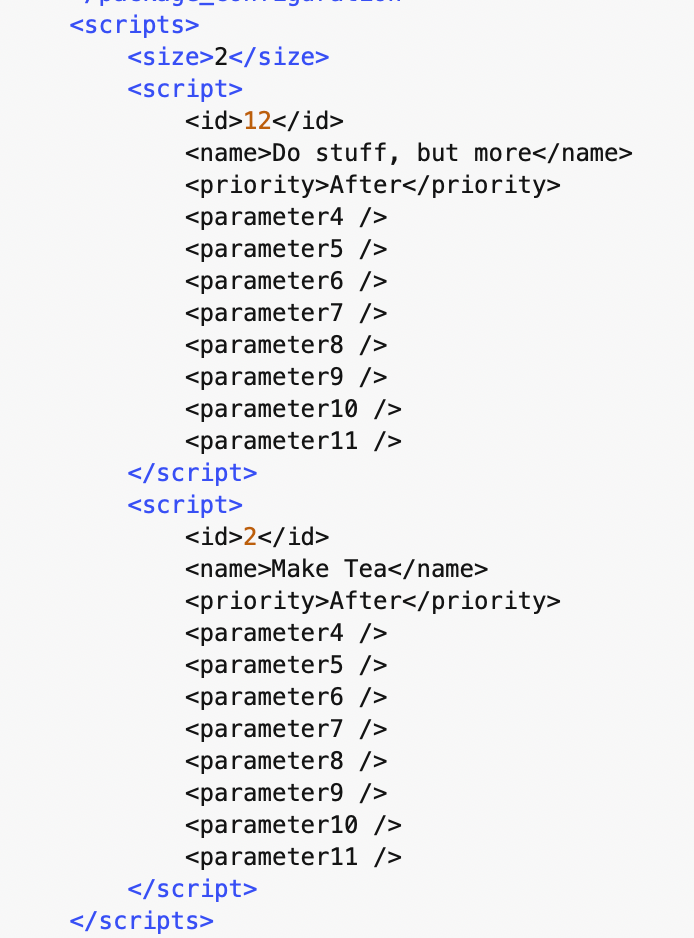
It is important to understand this basic concept when using Emigre. Emigre, and other tools that are available to migrate jamf data, work by copying or ‘migrating’ data in these nodes from one jamf instance to another.
Anyone who has used a migration tool – or tried this via a command line script – will be aware that the results can be very “hit and miss” and sometimes the tool appears to work and sometimes not.
The reason for this is because jamf cannot tolerate if certain attributes within the nodes do not match between the source and the target servers.
For example:
In summary, the success of the migration, is dependent upon two scenarios:
1 That certain nodes within the policy that being migrated match the equivalents in the target server
or
2 The nodes that are being migrated do not exist altogether in the target – and therefore being able to be created.
This is where Emigre comes in as it allows a policy to be migrated but
A policy migration at it’s most basic would involve downloading the policy data from one server
 ethaMoos